Beyond flat flashcards
Turn a dense PDF into expert-structured cards — not flat Q&A.
ChatGPT hands you a list of questions. flashify builds AnKing-grade decks: layered mechanism & clinical context, image occlusion from your diagrams, and every medical card audited against board standard.

The difference
Other tools dump a quiz. flashify builds a deck.
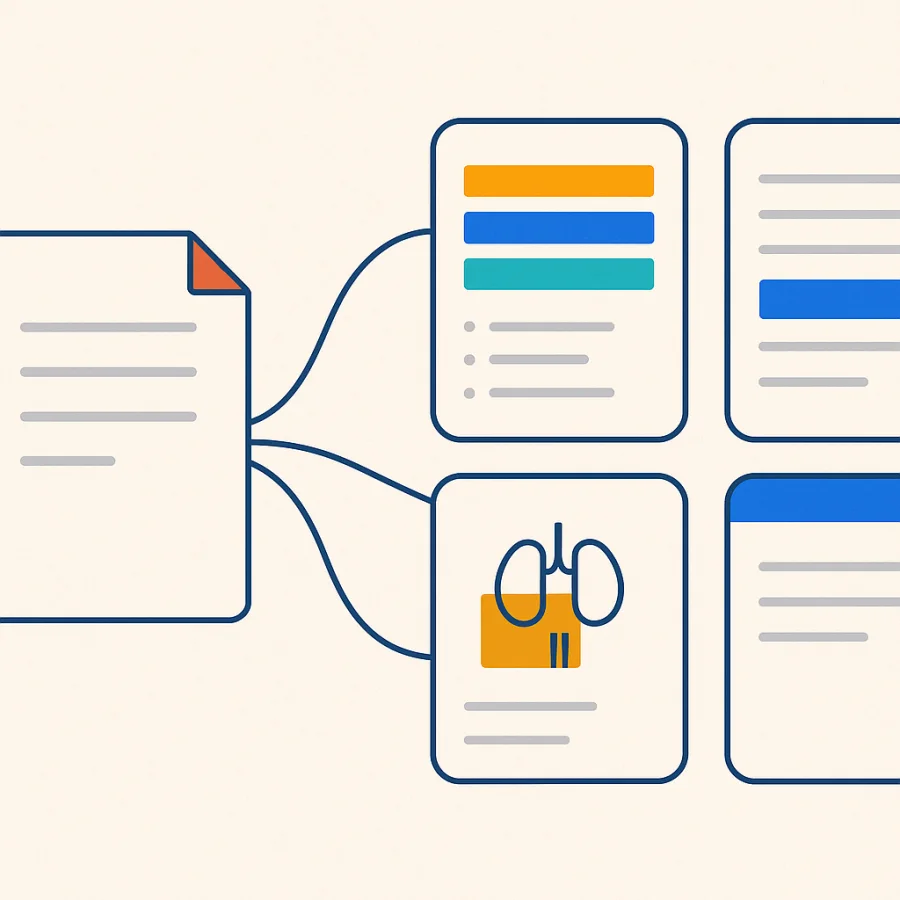
Drop in the same chapter — the difference is depth, the right card types, and accuracy you can trust.
Flat. One fact — no mechanism, no clinic, no check.
Structured, not flat
Every card carries the mechanism, a clinical correlation, and the high-yield takeaway — the depth AnKing decks are known for.
Image occlusion
We find the labeled diagrams in your PDF and turn each into a masked active-recall card.
Board-checked
Every medical card is audited against board standard — and flagged when your source deviates.
How It Works
Three Steps to Better Study Cards
Upload Your File
Drop a PDF, spreadsheet, or image. We detect highlights, annotations, and structure automatically.
AI Generates Cards
Our AI creates atomic, Anki-formatted flashcards focused on what you've marked — not everything.
Export & Study
Download a standard .apkg file. Import into Anki on any device and start reviewing immediately.
Deck styles
Generate in the exact style of a deck you trust
Pick a famous deck — AnKing, MileDown, Core2k — and Flashify writes your new cards in its voice: the same cloze patterns, formatting and tags. Not a generic template; the real thing, learned from the deck itself.
Already use Anki?
Bring your whole Anki in — and study it anywhere
Flashify speaks Anki's own sync protocol. Point the desktop or mobile app at us, hit Sync, and your real collection — decks, cards, scheduling and all — lives here too. No add-on to install.

Native Anki sync
Set a dedicated sync password, point Anki at the Flashify sync server, and your collection flows straight in — the real Anki protocol, not a one-off export.
- 1 In Anki: Preferences → Syncing → Self-hosted sync server.
- 2 Paste your Flashify sync URL and sign in.
- 3 Hit Sync — your decks appear on the web.
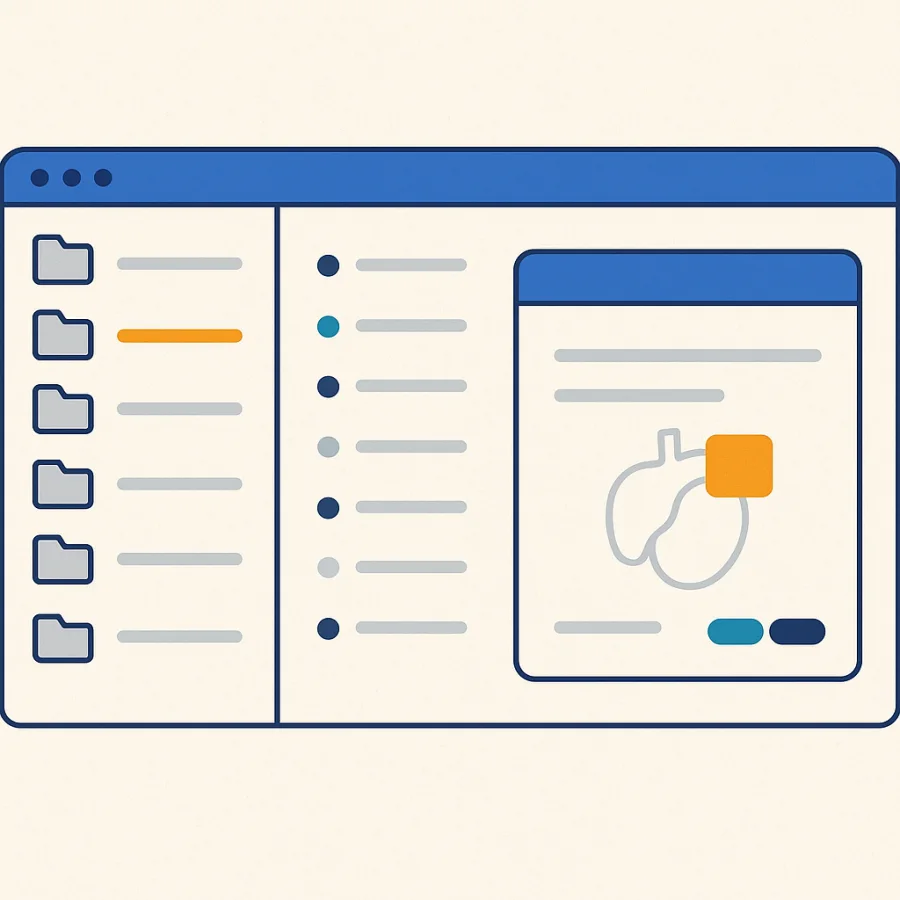
Browse & study on the web
Open your collection in any browser — deck tree, card table, and a faithful render of every card: cloze, image occlusion, your own styling and CSS.
- Your decks, faithfully rendered
- Search across cards and tags instantly
- Nothing to install — it's all in the browser
Features
Built for Serious Studying
We don't generate 500 cards from a textbook. We generate 50 from your highlights.
Highlight Detection
AI reads highlighted passages in your PDF and focuses card generation on those areas.
Cloze Deletion
Generates […] fill-in-the-blank cards automatically where appropriate.
Diagram Occlusion
Expert decks find the labeled diagrams in your PDF and mask each label into an image-occlusion card for active recall.
Source Traceability
Each card links back to the original page number, so you can verify the source.
Inline Editing
Edit any card before export. Fix wording, add context, or delete cards you don't need.
Cross-Device
Standard .apkg files work on Anki desktop, AnkiMobile, AnkiDroid, and AnkiWeb.
Privacy First
Your documents are used only for card generation. They're not used for training and can be deleted anytime.
Match a deck you trust
Generate in the exact style of AnKing, MileDown or your own deck — cloze patterns, formatting and tags learned from the source.
Native Anki sync
Point real Anki at Flashify and hit Sync — your existing collection flows in over Anki's own protocol. No add-on.
Study on the web
Browse and review your decks and cards in any browser, faithfully rendered — cloze, occlusion, your own styling.
Browse by Subject
Decks for Every Discipline
Real students, real decks
Common Questions
Can't find what you need? Reach out to our support team.
You can, and it works okay for simple use cases. The main differences: (1) we read your PDF highlights so cards focus on your weak spots, (2) our prompts are tuned for Anki's atomic card format, and (3) you get a direct .apkg export instead of copy-pasting.
Yes. We detect highlighted regions and annotations in your PDF. The AI uses them to prioritize which content to turn into cards. If your PDF has no highlights, the AI generates from the full text instead.
The quality is generally good for structured content like textbooks and study guides. For complex or ambiguous material, you'll want to review the output — that's why we include a split-screen review step.
Yes. We export standard .apkg files with proper field mappings and Cloze deletion support. Import directly into any Anki client — desktop, mobile, or web.
Yes — on the Expert tier. Flashify finds the labeled diagrams in your PDF (anatomy plates, schematics) and turns each into an image-occlusion card with its labels masked, alongside richer mechanism / clinical detail on every card. Pick Expert on the generate panel; it costs 3 credits per page versus 1 for Standard.
Your highlights deserve better cards.
Upload a PDF. Get an Anki deck. No credit card required.